Remodeler Answering Service for Estimates and Job Calls
Our remodeler answering service takes project details, books estimate appointments, and captures homeowner change requests while you work. Try a kitchen remodel conversation in the browser demo, then request a free trial to test your own call instructions.
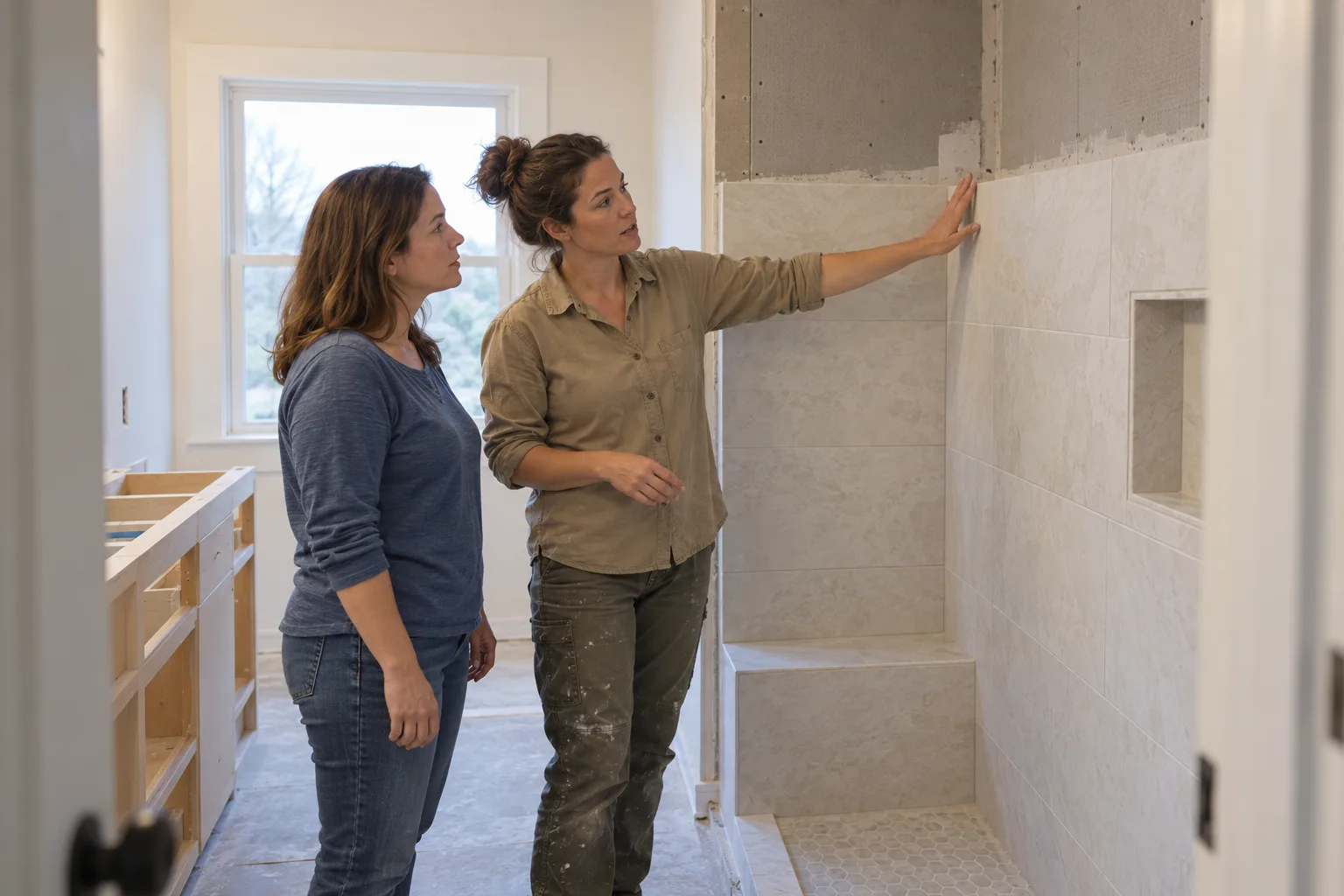
Keep estimate inquiries moving between site visits
A homeowner can call while you are measuring a kitchen or meeting a sub. Your receptionist gathers the project details so the inquiry has a next step before you return it.
- Project context
Capture the room, work requested, location, and homeowner's preferred timing.
- Useful callbacks
Pick up the conversation with details beyond a name and number.
- Clear next steps
Book an estimate visit or collect details for your callback.
Full details
Your receptionist gives an estimate inquiry somewhere to go while you are on another job. A homeowner planning a kitchen remodel may need to explain the scope before choosing an appointment. You set the questions about the work, service area, and timing that help you decide what comes next.
The AI answers as your business and starts by identifying itself as a virtual assistant and saying the call is recorded. It uses the services and policies you supplied, then sends the call summary, transcript, recording, and urgency tag by email and app push. It cannot decide whether a project is buildable from a phone description. That discussion stays with you.
Book estimates and design consultations by your rules
Your receptionist can book estimate visits and design consultations into Google Calendar using your appointment instructions. If you prefer to approve the next step yourself, it takes the homeowner's details for a callback.
- Visit purpose
Ask whether the homeowner wants an estimate or a design conversation.
- Project location
Collect the address and check the service area you provided.
- Your booking choice
Use calendar booking or keep appointment decisions with your team.
Full details
Estimate booking starts with the appointment types you want callers to request. Tell the AI which services you offer, where you work, and how you want estimate inquiries handled. A kitchen consultation can have different intake questions from a small bathroom project.
Our remodeling answering service follows those instructions and can place appointments in Google Calendar. An appointment is a conversation about the work, not approval of a construction schedule or a binding estimate. If you need to look over a project before agreeing to visit, choose message taking instead. See the estimate appointment workflow for how booking and callback intake fit different shops.
Capture change requests without approving the work
Your receptionist takes change-order messages and project update questions with the job details attached. You or your project manager decides what changes, what it costs, and how it affects the schedule.
- Requested changes
Note what the homeowner wants changed and which project it concerns.
- Job questions
Capture the question for your team without inventing a progress update.
- Decision stays yours
Keep approvals, revised estimates, and construction commitments with your project manager.
Full details
A change-order call becomes a message for a decision, rather than an approval over the phone. For example, a homeowner might ask to move an island outlet after the electrical work has started. Your receptionist can collect the project address, requested change, callback number, and reason the caller needs a response.
The AI does not know the current job status unless you have supplied that information. It follows your instructions about what can be answered and what needs your team. You get the caller's wording in the transcript alongside a summary. Read about handling calls on active projects before setting the rules for schedule questions and change requests.
Screen by project fit and treat budget questions fairly
Your receptionist screens inquiries against the services and area you choose. It can ask about scope, timing, and budget without guessing what a homeowner can afford or promising a project price.
- Work you take
Ask about the project before deciding which intake instructions apply.
- Budget context
Record what the caller shares without turning it into a quote.
- Price policy
Explain your estimate process using the wording you give the AI.
Full details
Useful screening checks whether the requested work fits your business. If you remodel kitchens and bathrooms but do not take handyman jobs, teach the AI that distinction. Give it a polite response for work outside your services or service area.
Budget can be part of your intake without becoming a judgment about the caller. Your receptionist can record a stated budget and ask what the homeowner hopes to accomplish.
When someone wants a number before a site visit, it explains your price policy. It gives prices only when you have provided and authorized them. You decide whether the inquiry deserves a visit, a callback, or an explanation of your scope.
Get urgent project calls to your on-call person
Your receptionist uses your urgency rules to reach the on-call person, with a warm transfer or a page. Routine homeowner, subcontractor, and supplier messages stay available for your team to act on.
- Named contact
Record which project manager the caller needs and what the call concerns.
- Urgent routing
Set who gets urgent calls and the order they are contacted.
- Transfer context
Hear a short summary before pressing 1 to accept the urgent call.
Full details
Urgent handoff follows the contact order and situations you set during onboarding. Tell the AI what should interrupt your on-call person and what can wait for a callback. A subcontractor asking about next week's work needs a different response from a caller reporting an immediate hazard.
For an urgent warm transfer, your contact hears a short summary and presses 1 to take the call. You can choose a page instead. Routine messages include the details your team needs to return the call, including supplier delivery updates and requests for the project manager. The receptionist passes information along; your manager still coordinates crews, confirms deliveries, and makes decisions about the job.
Choose overflow, after-hours, or full forwarding
You choose which calls forward to your receptionist: all calls, unanswered calls, busy calls, or after-hours calls. Start with the gaps around site visits and expand coverage when it suits your office.
- Overflow coverage
Let your office answer first and forward calls that go unanswered.
- After-hours intake
Give evening estimate inquiries and homeowner messages a place to be heard.
- Full forwarding
Have the AI answer your business calls while your team runs projects.
Full details
Coverage starts with a forwarding choice for your existing number. If an office coordinator handles daytime calls, you can use the AI for busy periods or unanswered calls. If evenings are the main gap, forward after hours. Once calls reach it, your receptionist answers day and night.
We provide a local number and a forwarding guide for your carrier or phone system. Make a test call before going live, including an estimate request and an urgent transfer. An office employee brings firsthand knowledge of your projects and relationships; the AI works from the instructions you provide. Use the no-signup conversation demo to hear that approach before choosing your coverage.
Questions
Will it schedule estimates for kitchen and bathroom remodels?
Yes, your receptionist can book estimate appointments in Google Calendar using your booking instructions. Teach it which projects you take and the details you need before a visit. If appointments need your approval, have it gather the homeowner's information for a callback instead.
Can it screen tire-kickers without turning away a good project?
It can ask about project type, location, timing, and any budget question you choose. Those answers give you context for deciding what to pursue. The AI follows your stated service and price policies, rather than judging the caller or promising that an inquiry will become a job.
Can it take change-order messages from existing homeowners?
Yes, it can take the requested change, project address, and callback details as a message for your team. You receive the summary and transcript to check what the homeowner asked. Your project manager handles approval, cost, and schedule decisions under the instructions you set.
Does it handle subcontractor and supplier calls?
Yes, your receptionist can take messages from subs and suppliers, including delivery updates and requests for a project manager. Give it the questions and urgency rules you want used. An urgent call can go to your on-call person; routine details arrive by email and app push.
Will homeowners know they are speaking with AI?
Yes, the receptionist says it is a virtual assistant at the start of the call and tells the caller the call is recorded. Both notices stay on. You can hear the greeting and ask project questions yourself in the browser demo before requesting a free trial.
Can I keep my business number and use this only during site visits?
Yes, you keep your number and choose how calls forward from your carrier or phone system. Forward only when you do not answer, when the line is busy, or after hours. We supply the forwarding guide, and you make a test call before sending business calls through.
What happens when it cannot answer a project question?
Your receptionist takes the question and callback details for your team when the information is outside what you supplied. Teach it which situations count as urgent and who should receive them. The transcript lets you check the request before responding with the project knowledge or decision the caller needs.
Can I try it before paying for a month?
You can talk to the browser demo without signing up, then request a free trial. The trial will last 14 days, capped at 100 minutes. A card is required before forwarding goes live. Use your trial to test your services, booking instructions, and homeowner messages with your own business setup.
Try a remodel estimate call in the demo
Try a kitchen estimate or homeowner change request for the fictional demo business. Then request a free trial to test your business; we'll email your sign-in link when it's ready.